
How Do Elevator Design Software and 3D Cabin Presentation Software Differ?
By Liftmira Engineering, Engineering Team · 4 min read · Updated Nov 10, 2026
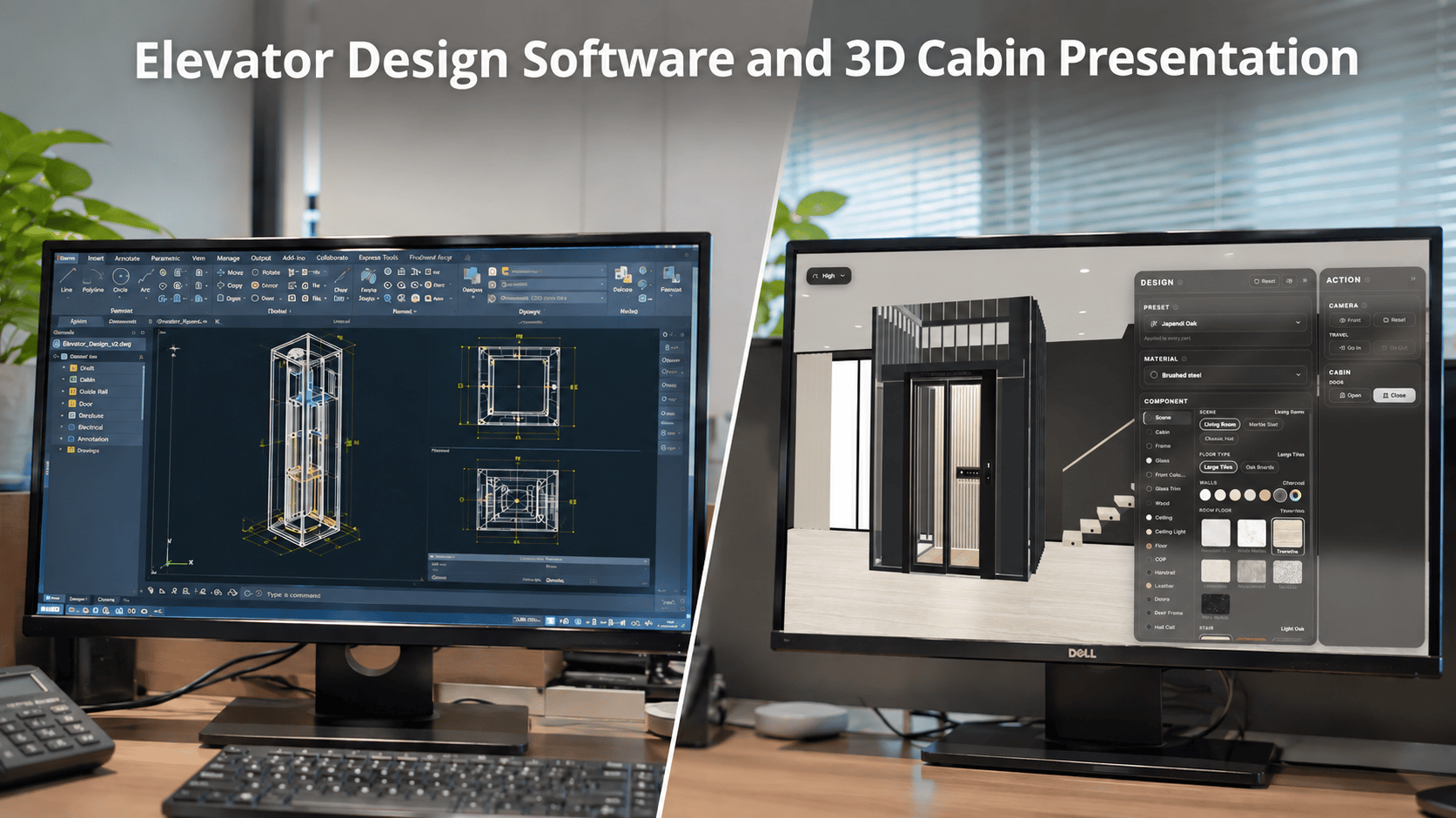
Are Elevator Design Software and 3D Cabin Presentation Tools the Same?
3D technology is increasingly used in many areas of the elevator industry, from technical design and product modeling to product presentation and customer consultations.
However, not every tool that uses a 3D model serves the same purpose.
Software designed to help engineers create technical drawings and models has different requirements from a tool that helps customers view and explore an elevator cabin on a website.
Distinguishing between these two groups of solutions helps businesses identify their needs and choose an appropriate tool.
What Is Elevator Design Software?
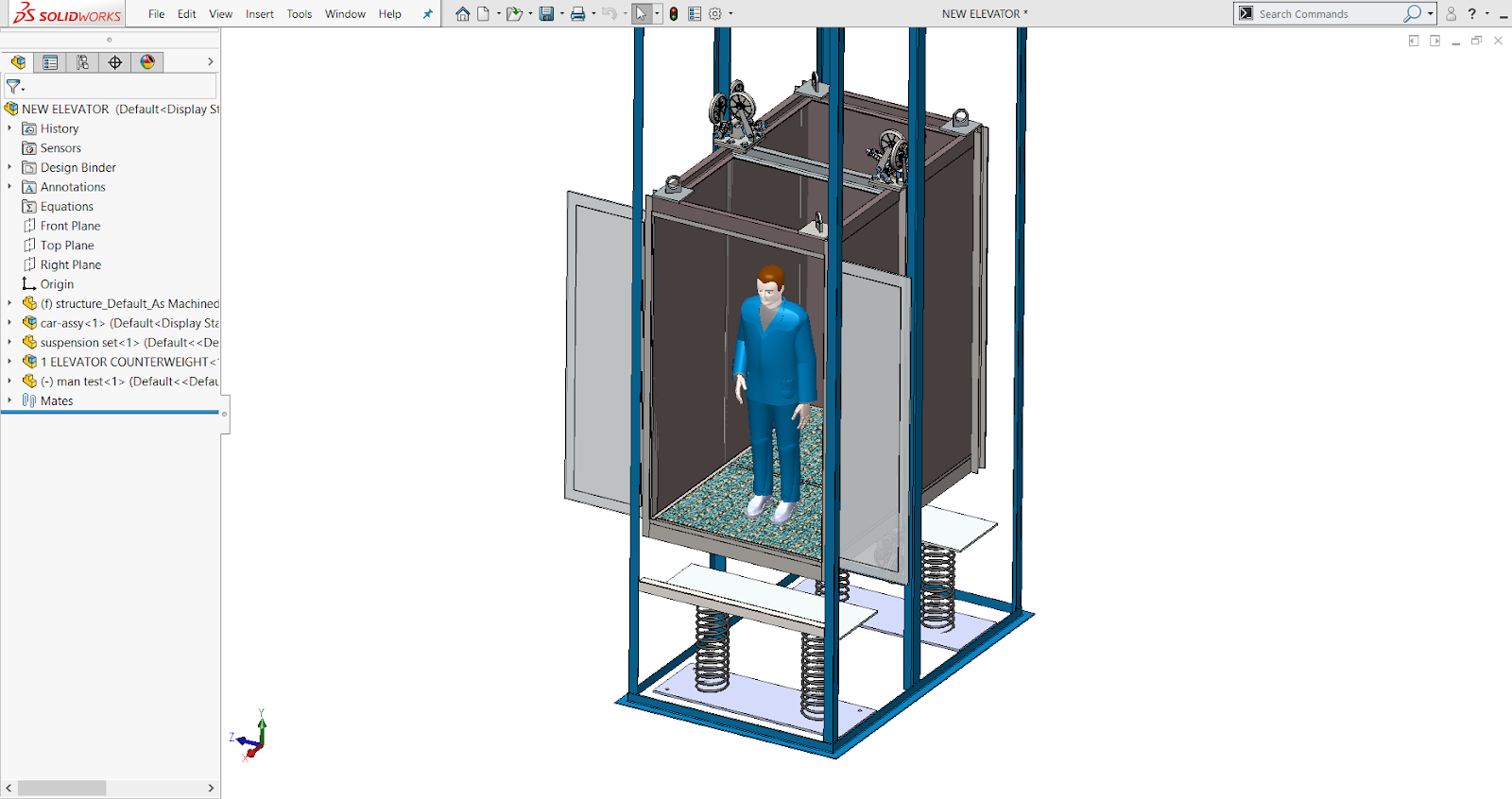
Elevator design software is a general term for tools that support the design and development of elevator systems.
Depending on the scope of work, these tools may be used to create drawings and mechanical models, represent structures, or support the design of related components.
CAD and engineering modeling software such as AutoCAD, SOLIDWORKS, and Autodesk Inventor may be used for these specialized tasks.
Technical design tools typically focus on:
-
Creating technical drawings and models.
-
Representing the structure and dimensions of components.
-
Supporting mechanical design work.
-
Supporting technical discussions and product development workflows.
The main users are typically engineers, design teams, and related technical staff.
What Is 3D Cabin Presentation Software?
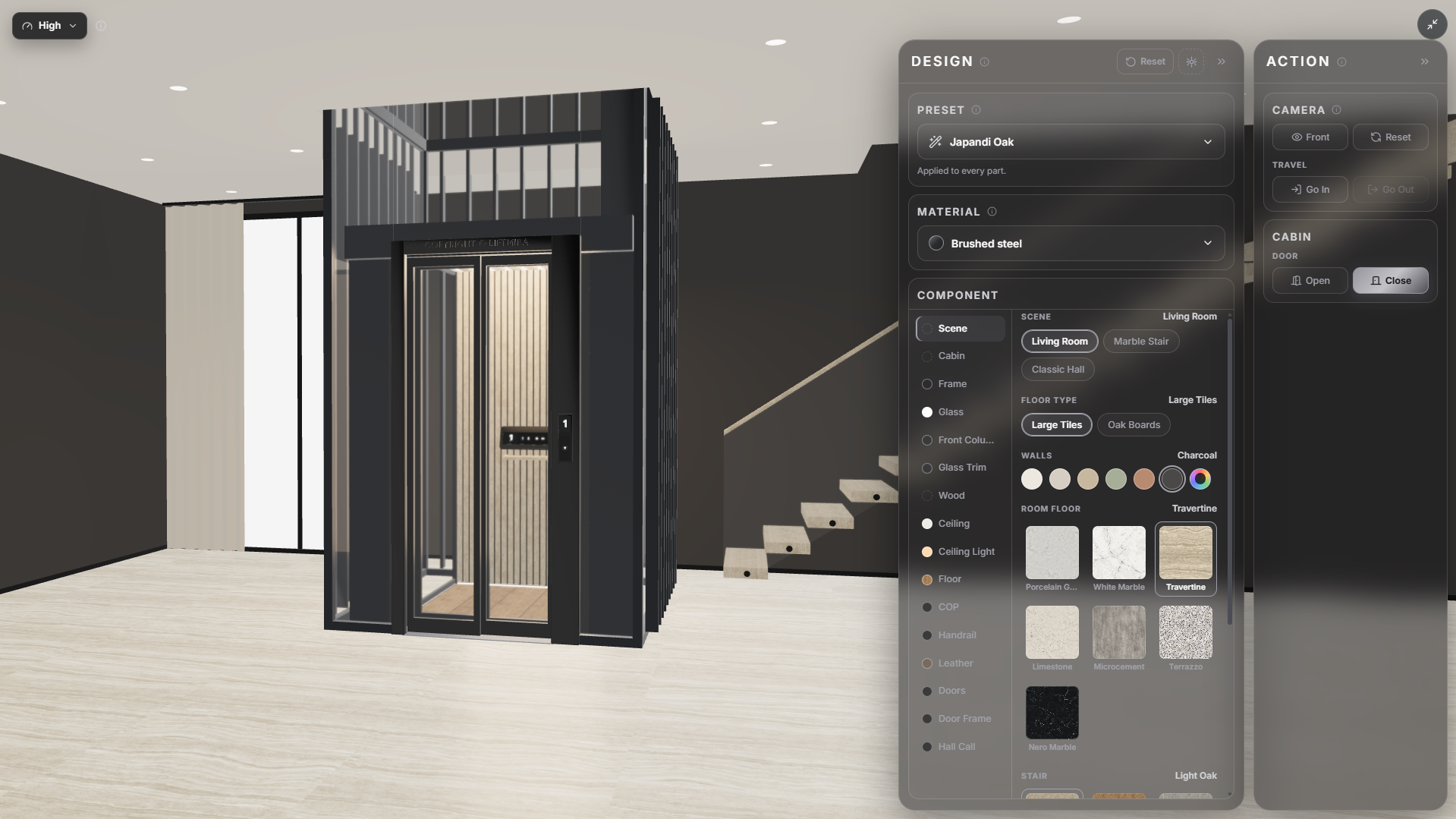
Unlike technical design tools, 3D cabin presentation software focuses on showing products in a visual way that is accessible to customers and sales representatives.
Rather than focusing on drawings or technical structures, this group of tools helps users view the shape, space, and finish options of a cabin.
A 3D cabin presentation tool may offer features such as:
-
Rotating the model to view it from different angles.
-
Zooming in to see details.
-
Exploring the cabin interior.
-
Changing colors or materials from the supported options.
-
Integrating the model into a business website.
The aim is to help customers picture the product more visually as they research and make a choice.
Comparing the Two Groups of Solutions
| Criteria | Technical design software | 3D cabin presentation software |
|---|---|---|
| Main purpose | Technical design and development | Product presentation and exploration |
| Users | Engineers and design teams | Customers, sales representatives, and businesses |
| Focus | Drawings, dimensions, and structure | Shape, colors, materials, and experience |
| Interaction | Supports specialized design work | Supports product exploration |
| Use environment | Specialized software | Can be integrated into a website |
| Value | Supports technical workflows | Supports product presentation and consultations |
Both groups of tools may use 3D data or models in different workflows, but they should not be considered direct substitutes for one another.
When Does a Business Need Technical Design Software?
If the goal is to create drawings, develop components, represent specifications, or support the technical team’s specialized work, the business needs design tools suited to those requirements.
CAD and engineering modeling software are developed to meet these specialized needs.
Selection should be based on the type of work, required accuracy, manufacturing process, and compatibility with the systems in use.
When Does a Business Need a 3D Cabin Presentation Tool?
If the goal is to help customers view and explore products more visually, a 3D cabin presentation tool may be a suitable option.
This group of tools is particularly relevant to businesses that:
-
Offer many cabin color and material options.
-
Frequently present design options to customers.
-
Want to add an interactive experience to their website.
-
Need a visual aid to support sales consultations.
-
Want to digitize their product presentation instead of relying only on static images.
In this case, the tool’s value lies not in creating technical drawings but in making the product easier to view and explore.
Which Group of Solutions Does Liftmira Belong To?
**Liftmira **belongs to the group of solutions that present products with interactive 3D models.
Developed for elevator manufacturers, distributors, and installation businesses, **Liftmira **focuses on integrating 3D cabin models into websites so customers can explore products directly.
Users can:
-
Rotate the cabin left and right.
-
Zoom in on the model.
-
Experience entering and exiting the cabin.
-
Change supported design options such as walls, glass, ceiling, flooring, handrails, and more.
-
View configured color and material combinations.
Should Businesses Use Both Groups of Tools Together?
In practice, technical design and product presentation can complement one another.
One supports product development and refinement; the other helps convey product imagery and options to customers.
When organized effectively, a business can use technical design tools in specialized workflows while also using 3D presentation models to showcase products on its website and during consultations.
The two groups of solutions address different problems, but both can contribute to the development and sale of elevator products.
Conclusion
Elevator design software and 3D cabin presentation software can both apply 3D technology, but they serve different purposes.
If a business needs technical design, it should choose specialized tools for that work. If it wants customers to explore the cabin and its finish options more visually, an interactive 3D presentation tool is an approach worth considering.
**Explore how Liftmira presents 3D elevator cabins: **https://liftmira.com/en/demo
Liftmira Engineering The Liftmira Engineering team builds and maintains the platform, SDKs, APIs, and infrastructure that power immersive 3D commerce experiences. We publish technical guides, integration tutorials, architecture deep dives, and product updates for developers.